
Schedule a Free Network Security Consultation
Get our FREE eBook, Ransomware for Dummies from our partner, Cisco.
Small and medium-sized businesses (SMBs) may think that they won’t become the targets of ransomware attacks, but they would be wrong. In May of 2021, Department of Homeland Security Secretary Alejandro Mayorkas cautioned that 50% to 75% of ransomware victims are SMBs. With ransomware attacks up a startling 300% in the past year, it’s inevitable that many unprepared SMBs will suffer attacks.
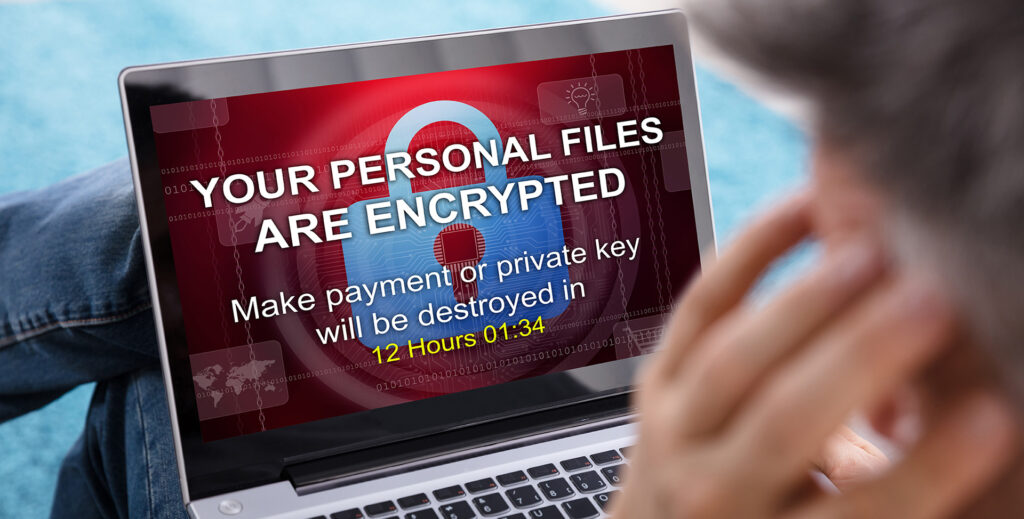
Companies that fall victim to ransomware have a tough choice. They can either try to recover their encrypted data or pay a ransom to cybercriminals in the form of cryptocurrency in return for a decryption key. Both alternatives can be expensive and there is no guarantee that your company will get your data back.
Instead, your business should be working to prevent ransomware attacks from succeeding in the first place. Taking a preventative approach to ransomware will protect your data from becoming encrypted and your systems from shutting down.
Here’s an overview of 3 ways your business can take a proactive approach to fighting ransomware:
1) Email Security
Phishing emails are the main attack vector that cybercriminals use to launch ransomware. Hackers use social engineering to impersonate company leadership or coworkers, gaining the trust of employees and encouraging them to click on an attachment that has been infected with ransomware.
With an email security application, your organization can block incoming phishing emails. If employees never get phishing emails, they can’t open them and risk releasing ransomware into your company’s system. Email security also prevents employees from sending any outbound messages in response to any suspicious emails that manage to slip through. Citynet offers a variety of email security solutions to help protect your business.
2) Security Awareness Training
Ransomware exploits your employees’ lack of awareness about security threats. Because of social engineering, suspicious emails can be difficult to detect unless you know what to look for.
User awareness training teaches employees how to recognize the tell-tale signs of phishing attempts so they can be avoided. That way, employees become the first line of defense against ransomware instead of a liability.
Employees can be trained to be skeptical about emails and look for warning signs, such as unfamiliar addresses, grammar mistakes, and typos. They can also learn to test links in a browser and not to open attachments. Employees can be trained and tested regularly to ensure that they are aware of the latest threats and relevant information is fresh in their memory. Citynet has partnered with KnowBe4, the leader in security awareness training. The training is both comprehensive, beneficial, and fun. Learn more or contact us to get started.
3) Anti-Virus
Ransomware is a specialized form of malware that encrypts files and can even delete on-site backups. Anti-virus programs can prevent ransomware attacks by scanning for malware upon entry before it can do any damage.
Anti-virus software can make up for human fallibility with an extra layer of preventative protection. Some anti-virus programs may be programmed specially to target ransomware, increasing the chance that it will be intercepted before it can be activated.
Taking a Proactive Approach to Fighting Ransomware
Not every ransomware attack is preventable, but you want to give your company the best chance of avoiding one by having a proactive security strategy in place that accounts for their popularity. This strategy should include implementing a set of tools that:
1) Prevent phishing emails from reaching your employees
2) Discourage employees from opening suspicious emails
3) Keep ransomware from entering your systems
At Citynet, we have all the tools SMBs in the West Virginia region need to stop ransomware attacks in their tracks. We specialize in Network Security, providing anti-virus and email security, as well as Cisco-certified expertise. We also partner with KnowBe4, a leader in employee security awareness training.
Learn More to Protect More
Is your company taking a proactive approach to ransomware? Are you really doing all you can to protect your network? Find out by using the Citynet Security Checklist.
Get our FREE eBook, Ransomware for Dummies from our partner, Cisco.



